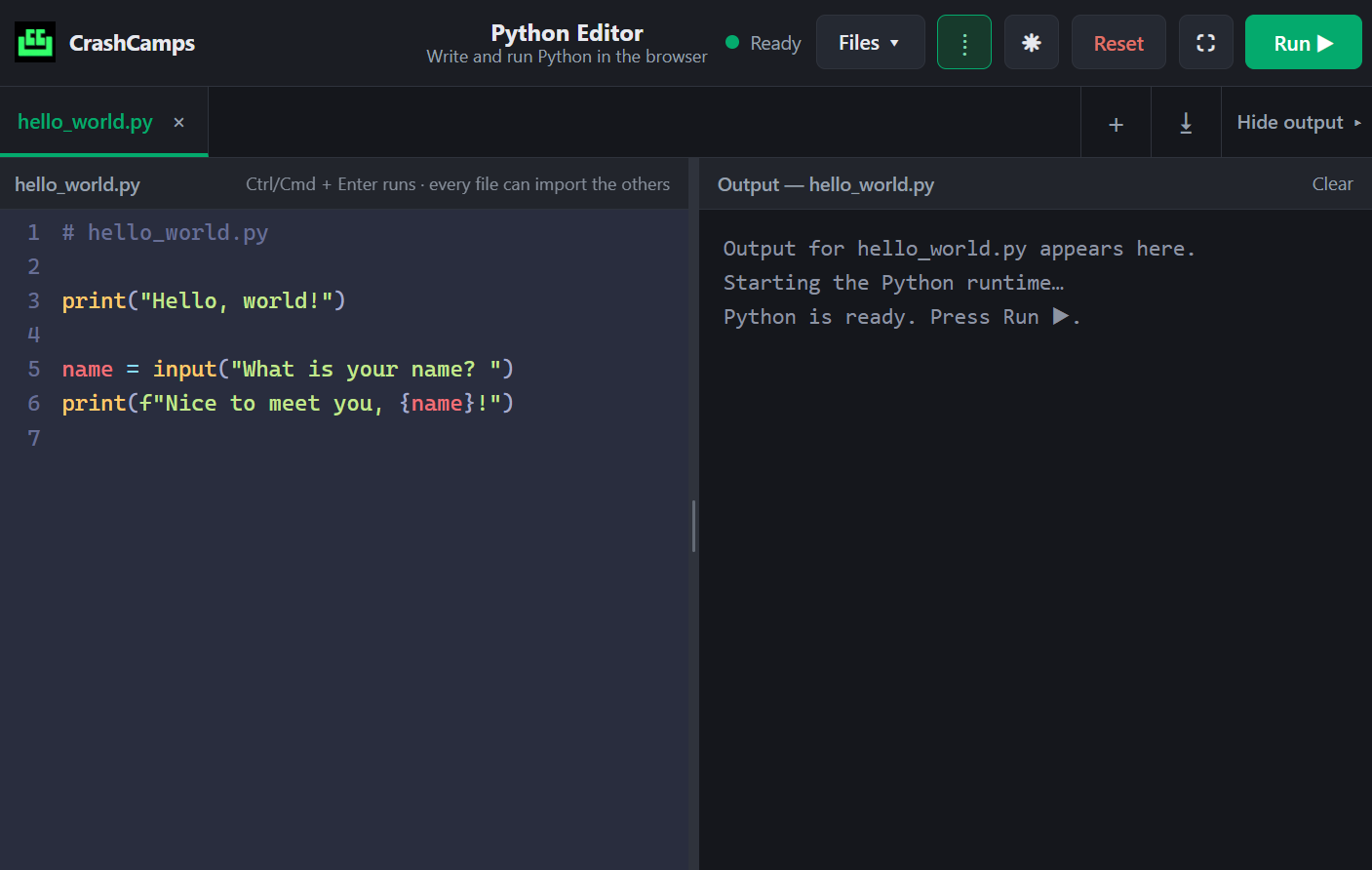
Editor
Best Python Editor
Editor with best minimal UI design, Multi-File support, import/export custom module support and the ability to open your local projects.
 CrashCamps
This is a comprehensive course designed to help you feel confident with Python programming.
Step-by-step breakdown of concepts covered across the course.
What is Programming? • Why learn Python?
Core Data Types • Comments • Assignment Patterns • Print Formatting
Capturing User Input via input() • Explicit Type Casting
Arithmetic • Comparison / Relational • Logical Operators
if, if-else, elif • Ternary Operators • Match-Case
Visualize if/elif/else, match-case and decision paths while you learn.
while and for Loops • Control Statements • Factorial Game
Make iteration easier to understand with visual loop execution and control-flow feedback.
Strings, Lists, Tuples • Indexing & Slicing • Nested Lists
See indexing, slicing and nested data structures in an interactive view.
Dictionaries (Key-Value pairs) • Set Operations
Interact with dictionaries and sets to understand keys, values and unique collections.
Defining Functions • Return Values • Local vs Global Scope
Trace function calls, return values and scope with a more visual learning experience.
math • random • datetime • os • time
Catching Errors • try / except Blocks
Follow what happens when Python encounters an error and how try/except handles it.
Apply functions, data structures, and exception handling in a full exercise.
Practical learning tools, guided content and resources designed to help you actually use Python.
Editor with best minimal UI design, Multi-File support, import/export custom module support and the ability to open your local projects.
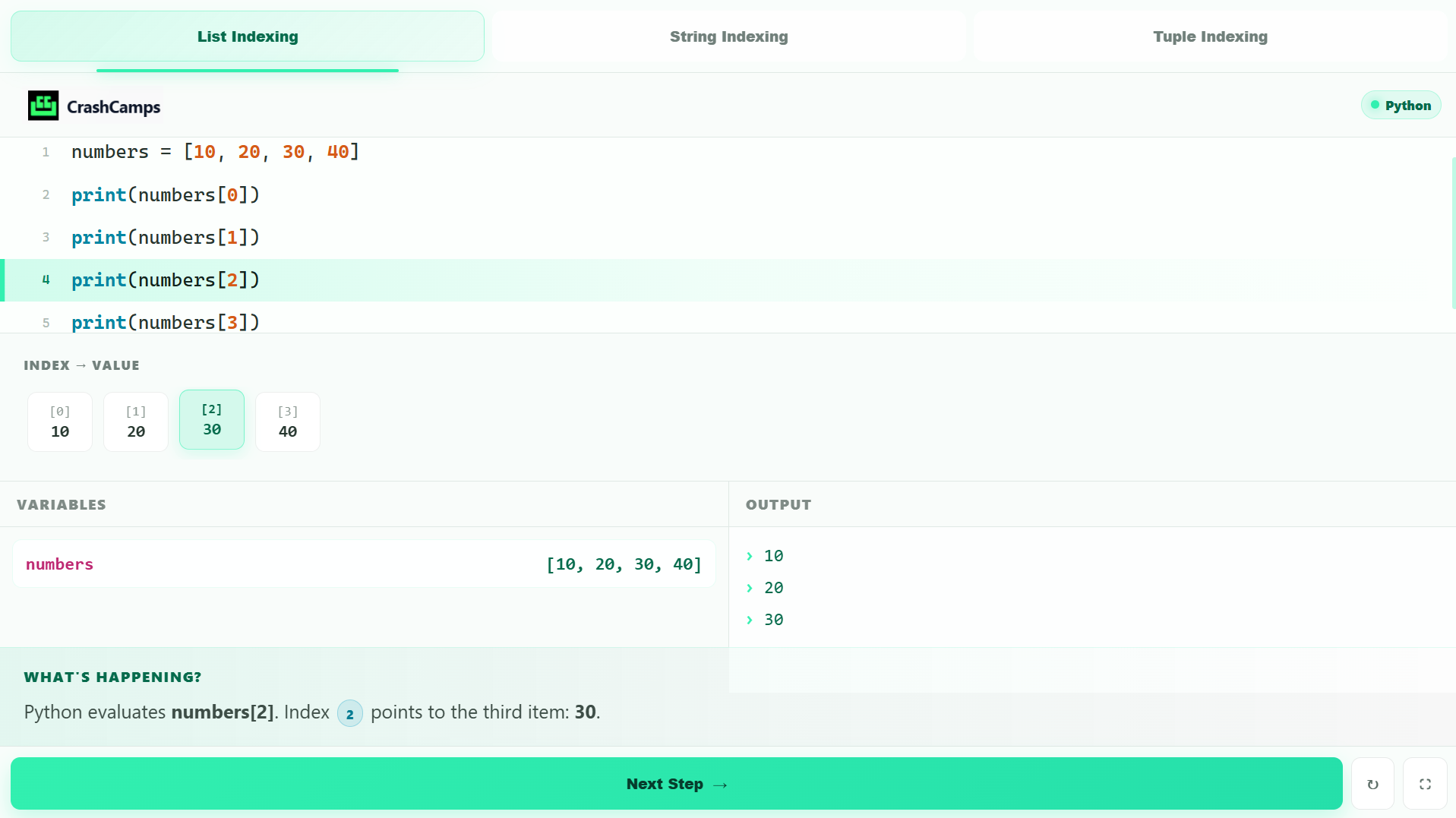
Built-in visualization tools make key Python concepts easier to see, explore and understand.
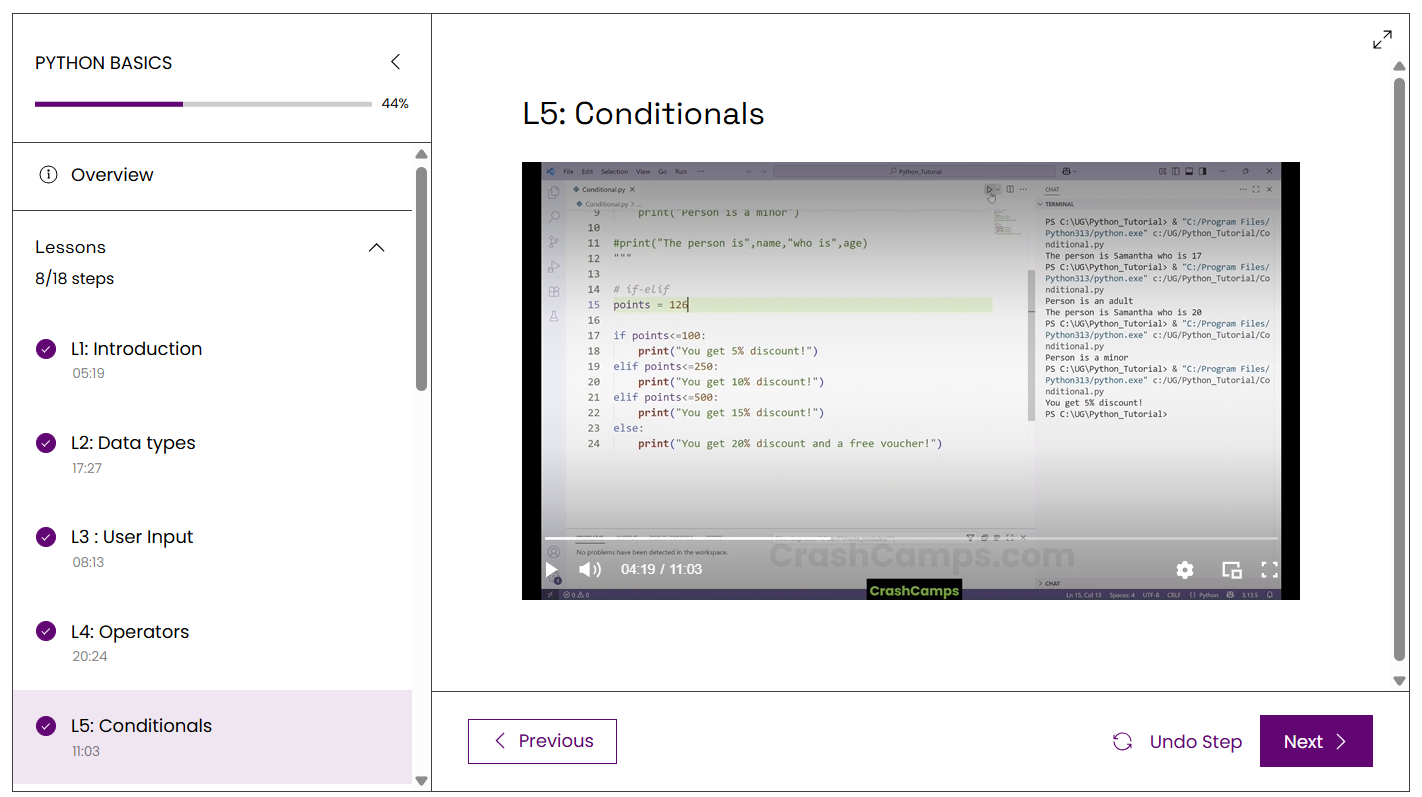
Recorded lessons you can follow at your own pace on the LMS.
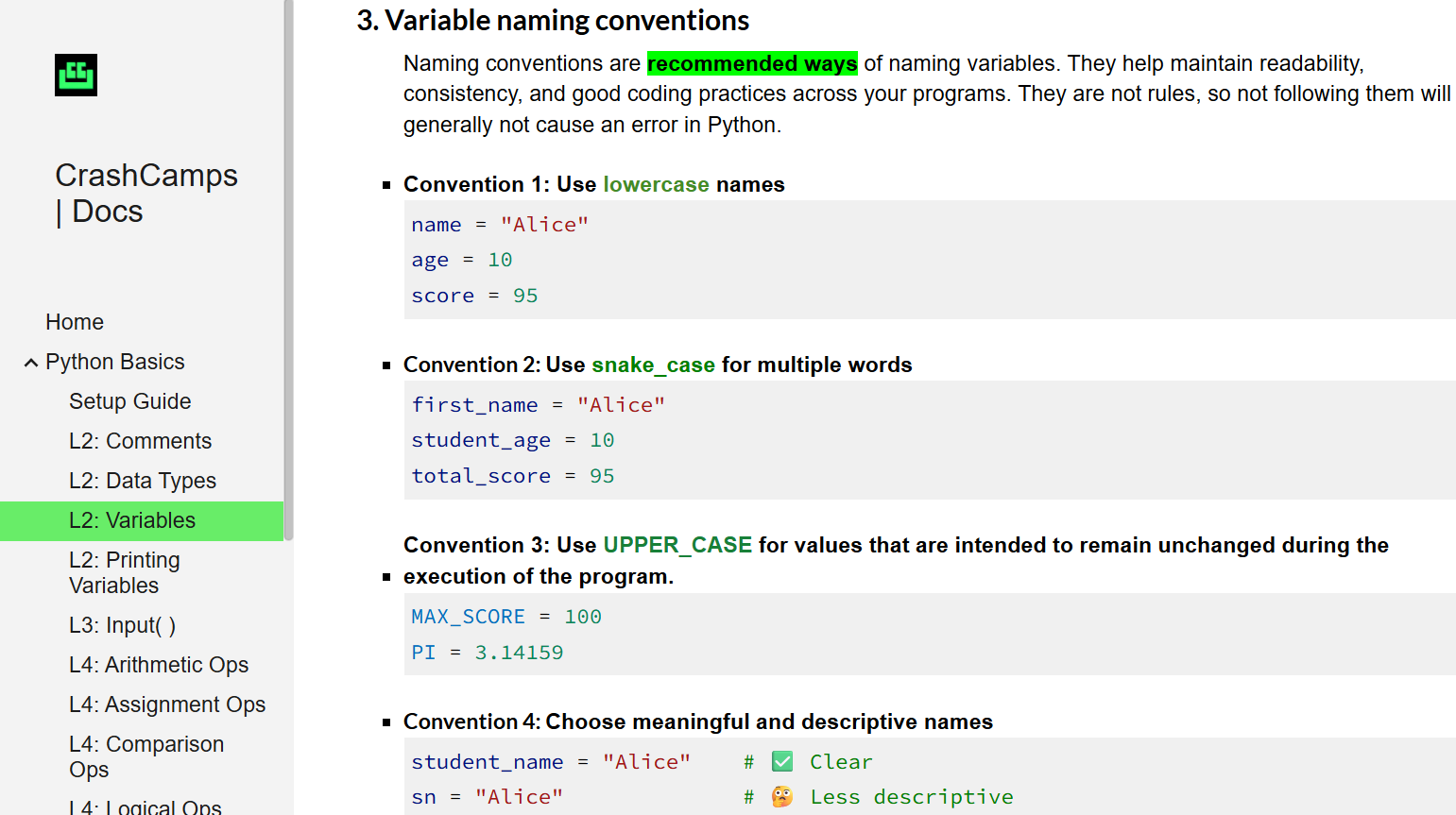
A practical in-depth reference guide. It covers multiple use case scenarios and edge cases .
Meaningful examples that connect Python concepts to real programming tasks.
Use quizzes to reinforce the concepts you have learned and identify areas that need another look.
Connect with other learners and get help as you work through Python concepts and exercises.

Complete the course and earn a CrashCamps course certificate.
Get the full crash-course experience and start learning today.
Get a feel for the teaching style and course presentation with the sample lesson below.
Everything you need to know about taking the course.
Not really! If you have ever tried programming and have a bit of acquaintance with it, you can easily follow along. The course is structured to build your confidence step by step.
With 2.30 hours of total content, you can easily complete this course over a single weekend or across a few days at your own pace.
Yes! Every enrolled student gets immediate access to our community group where instructors and peers help debug code and answer questions.
Send us your enquiry, issue, complaint or any other question. We’ll receive your message directly on WhatsApp.
WhatsApp should open with your message ready to send.